
Observability Pipelines

Control how your telemetry data flows from source to storage with Middleware Observability Pipelines so you keep what matters and drop what does not.

Try without card

Trusted By Leading Companies

Middleware Logo
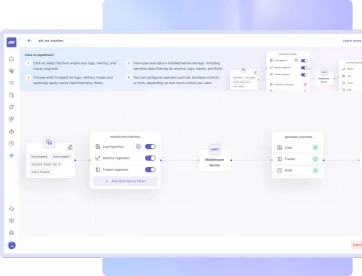
Middleware observability pipeline architecture for managing telemetry data

Keep the Right Data. Drop the Rest.

Middleware observability pipelines help you keep only the logs, metrics, traces, and RUM data that matter. Reduce storage and ingest volume, protect sensitive fields, and keep your data consistent so investigations stay fast.

Lower Noise And Cost

Drop low value logs and traces before they reach storage.

Control Data By Source

Apply different rules for each host, cluster, or serverless applications without changing agent setups.

Change Rules Without Redeploys

Update backend rules anytime without redeploying agents.

Filter, Protect & Route Data Streams

  • Ingestion Control

  • Log Control

  • Backend Control

  • OTEL Filters

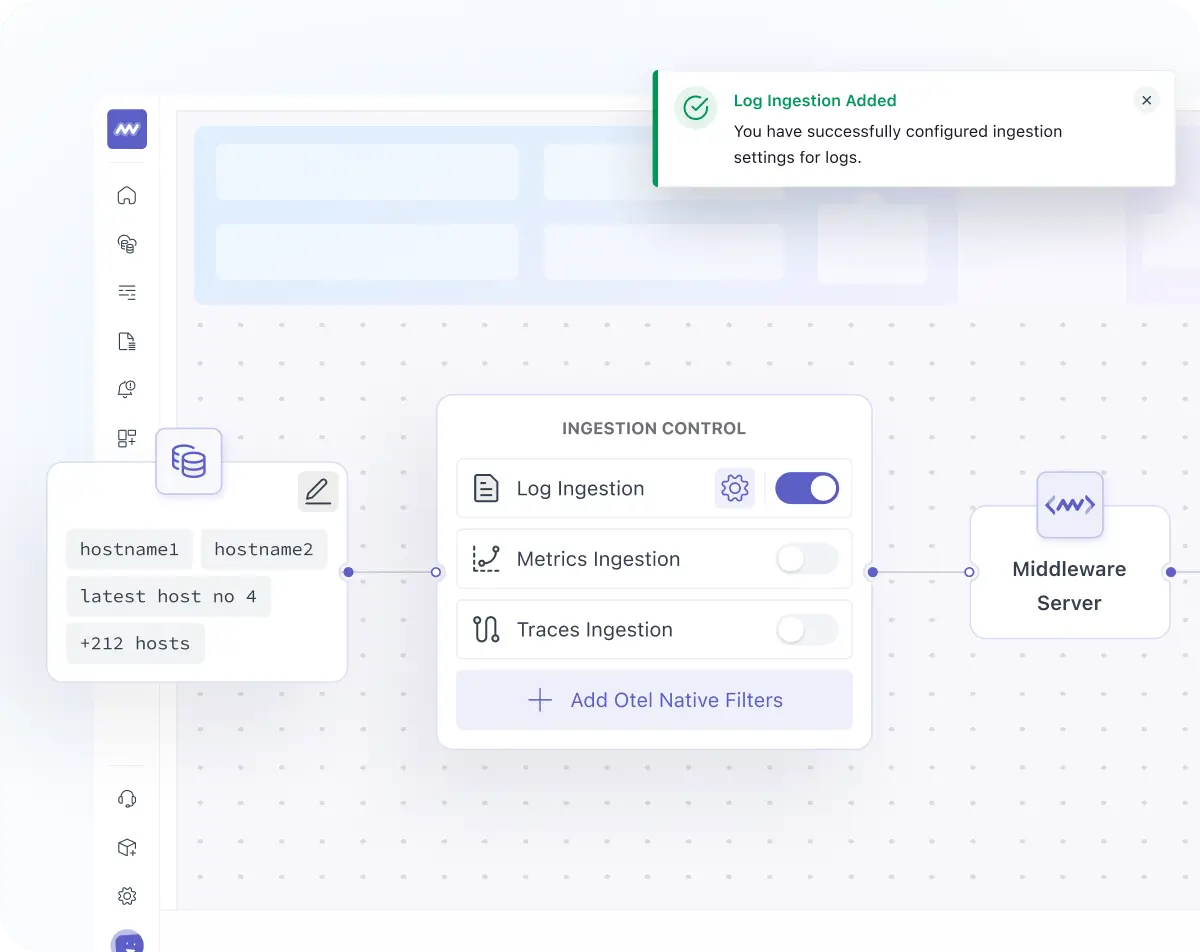
Observability pipeline ingestion control for filtering and routing telemetry data

Shape Telemetry as It Enters Middleware

  • Control ingestion of data before it enters the platform (for example: enrich it, route it, or sample it).
  • Turn logs, metrics, and traces on or off for the selected hosts or clusters.
  • Apply different ingestion rules for different sources so each team or environment gets the data you want to monitor.
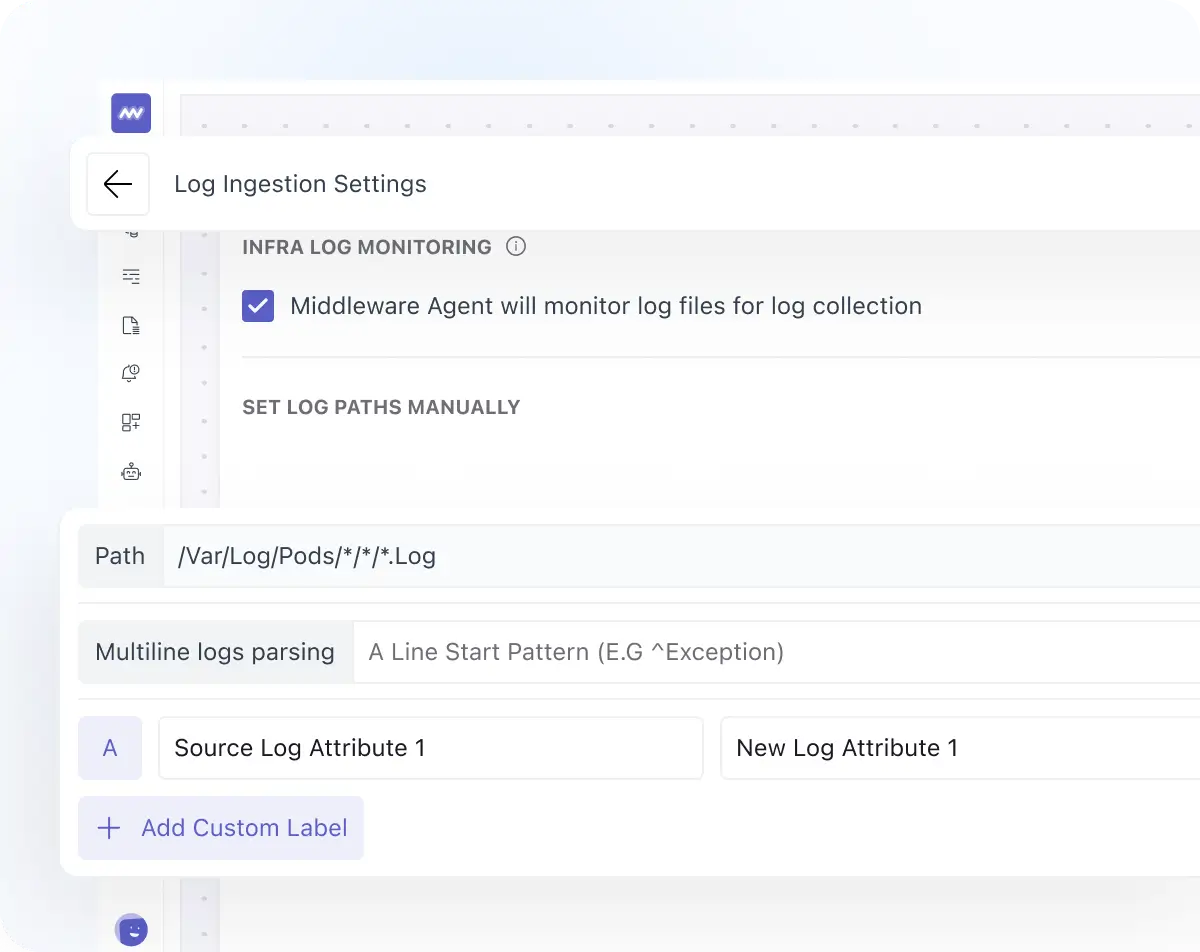
Log control in observability pipeline for filtering and processing logs

Collect and Parse File Logs at the Source

  • Decide whether to collect file-based logs at all using a simple on/off control.
  • Pick which files to read using log paths, then add labels so logs are easy to search and filter later.
  • Turn raw logs into structured fields using multiline parsing, regex extraction, or JSON parsing.
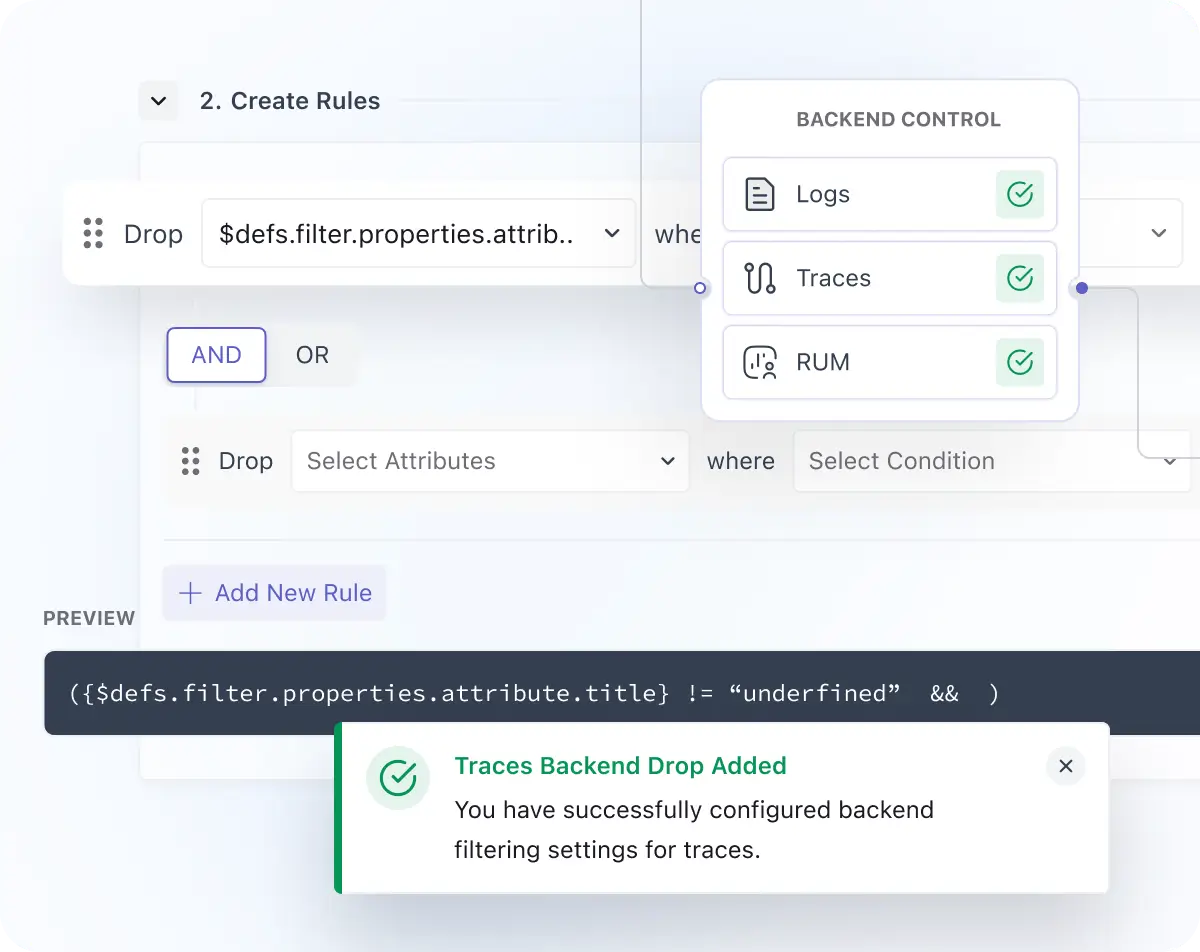
Backend control in observability pipeline to reduce data volume and costs

Drop Logs, Traces, and RUM Before Storage

  • Set rules to drop data after it is collected but before it is stored, so you reduce noise and control cost.
  • Works for Logs, frontend and backend traces, and each signal type can be configured separately.
  • If a rule matches, the data is dropped before storage (no storage, no billing, no search).
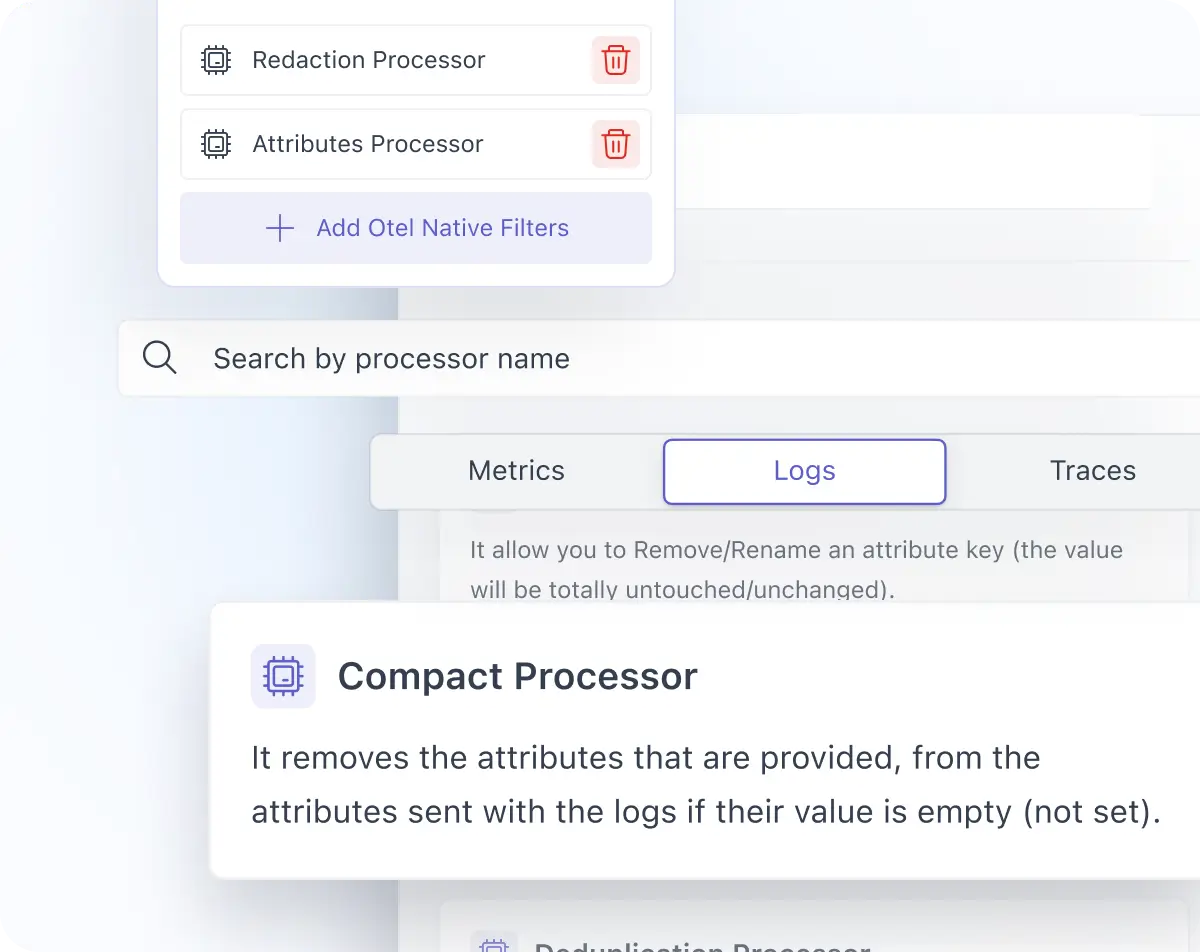
OpenTelemetry filters in observability pipeline for precise data collection

Filter Telemetry Inside Your Kubernetes Cluster

  • Drop noisy logs for Kubernetes Cluster pipeline sources, exclude unwanted metrics, or block traces from specific services before data leaves the cluster using available processors.
  • Reduce network usage and infrastructure overhead by sending less data upstream.

Reduce Costs and Noise With Observability Pipelines Today.

Handpicked Resources to Guide You

news

Mastering Your Data Flow: Introducing the Middleware Observability Pipeline

Read Now

knowledge

What Is a CI/CD Pipeline? Complete Guide to Faster, Safer Software Delivery (2026)

Read Now

FAQs

Everything You Want to Know About The Product

What is an Observability Pipeline?

A Observability Pipeline defines how your telemetry flows from source to storage, including how it is collected, filtered, modified, and stored. It helps you control logs, metrics, traces, and RUM before the data is stored.

What sources can I create Observability Pipelines for?

You can create observability pipelines for three source types: Host (a VM/server with the Middleware Agent), Cluster (a Kubernetes cluster), and Serverless setups.

Can I change rules without redeploying agents?

Yes. You can apply backend rules without redeploying agents, and manage data per host, cluster, or integration through pipelines.

What happens when Backend Control drops data?

Backend Control checks every log, trace, and metric event against your rules. If a rule matches, the data is dropped permanently before storage, so it is not stored, billed, or searchable.

Where do Observability Pipeline rules run?

Observability Pipelines support three control layers: Ingestion Control (runs in the ingestion layer), Backend Control (runs in the backend before storage), and OTEL-Native Filters (runs at the agent or cluster side).

Optimize More, Worry Less With Middleware