RUM Session Replays

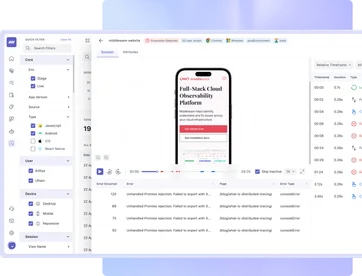
Record and replay user interactions to identify and fix UI issues, connecting your front end to your back end to enhance UX, drive engagement, and improve conversion.

Trusted By Leading Companies

RUM Session Replays

Visualize User Journey Like Never Before

Get Detailed Insights of User Activity on All Web Apps

In-depth Insights

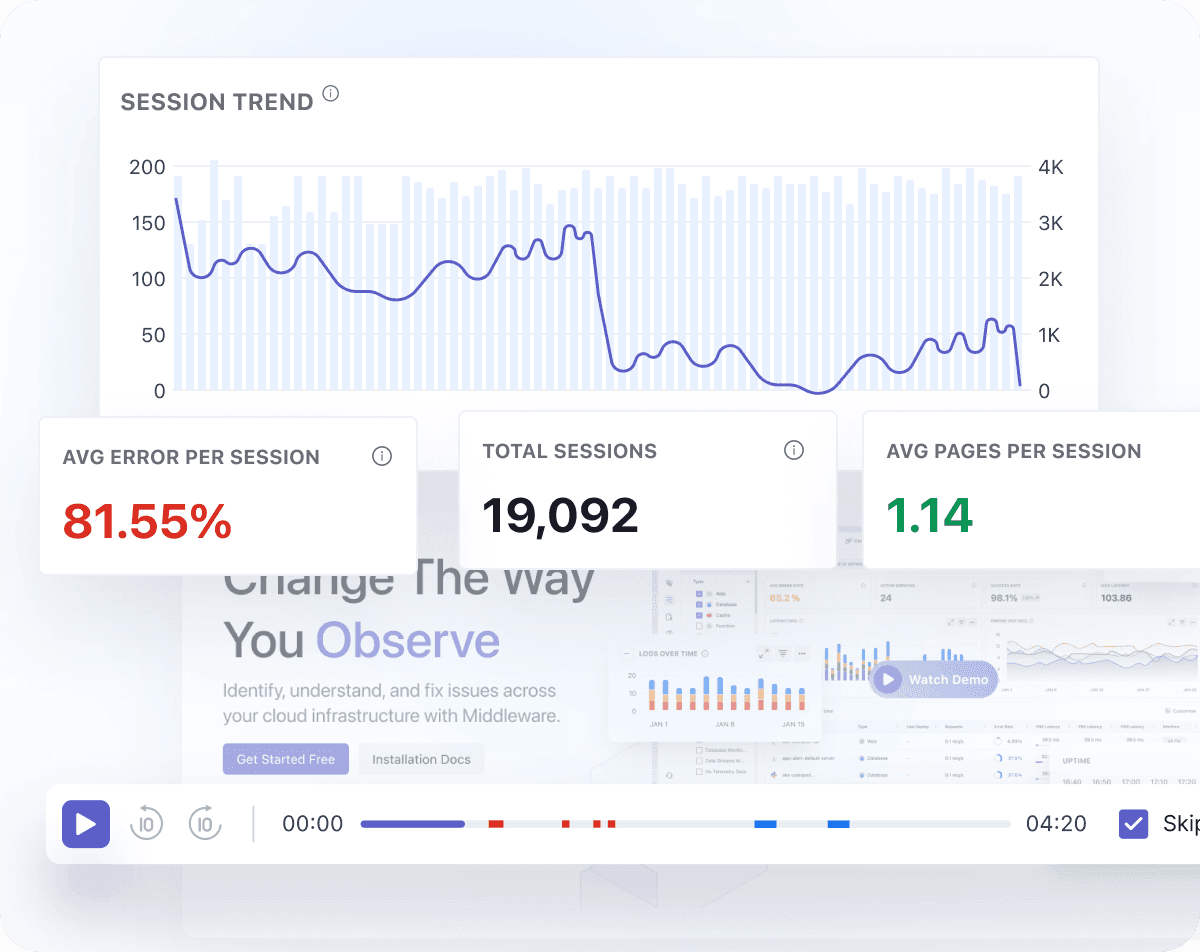
  • Visual representation of user activity on every page and web application.
  • Detailed attributes such as application name, browser details, view/error/action counts, and time on screen.
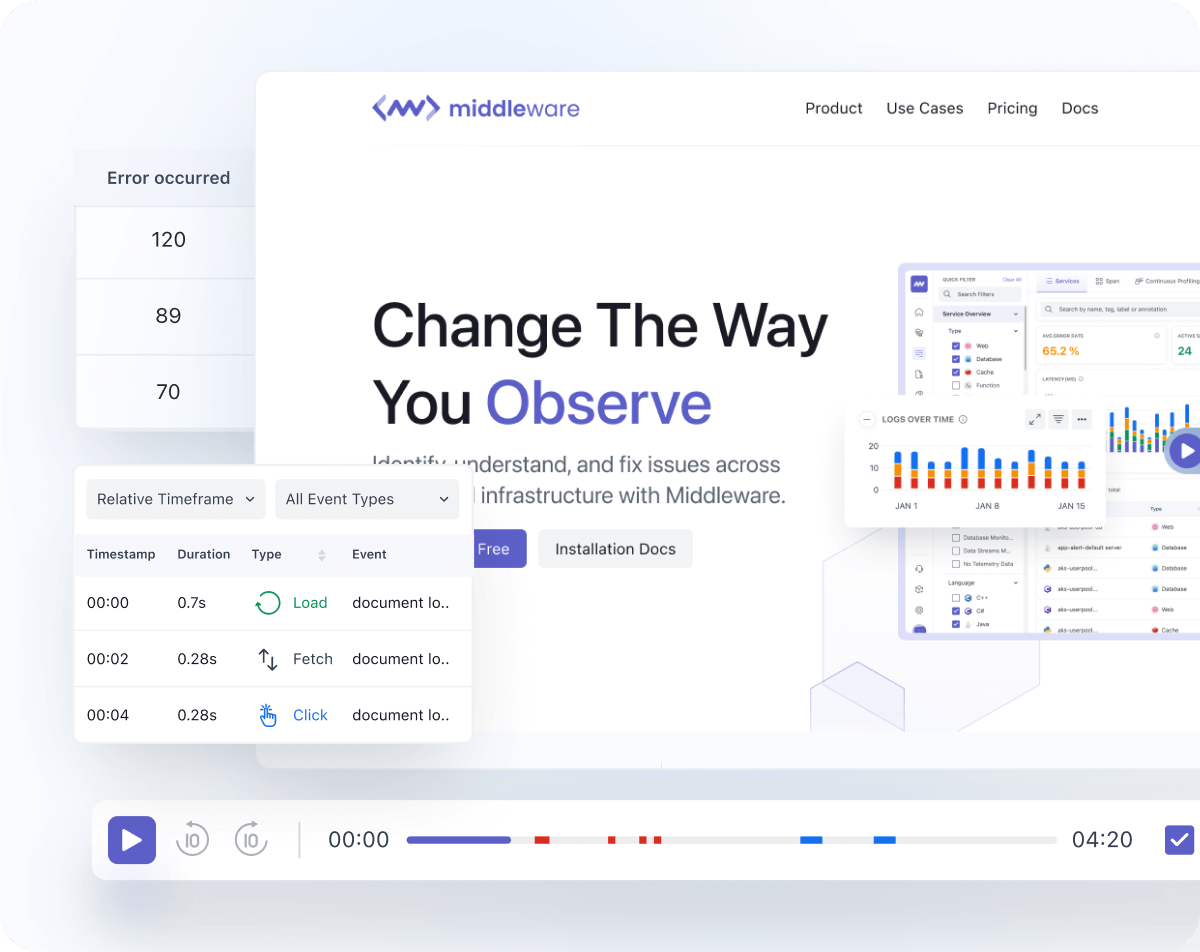
  • Track load, fetch, XHR, click, and crash events for full context.
Replays for Troubleshooting

Replays for Troubleshooting

  • Review user journeys to understand friction points and product challenges.
  • Filter by events like load or error to pinpoint issues faster.
  • Link frontend errors with backend traces for unified troubleshooting.
Faster Troubleshooting and Optimization

Faster Troubleshooting & Optimization

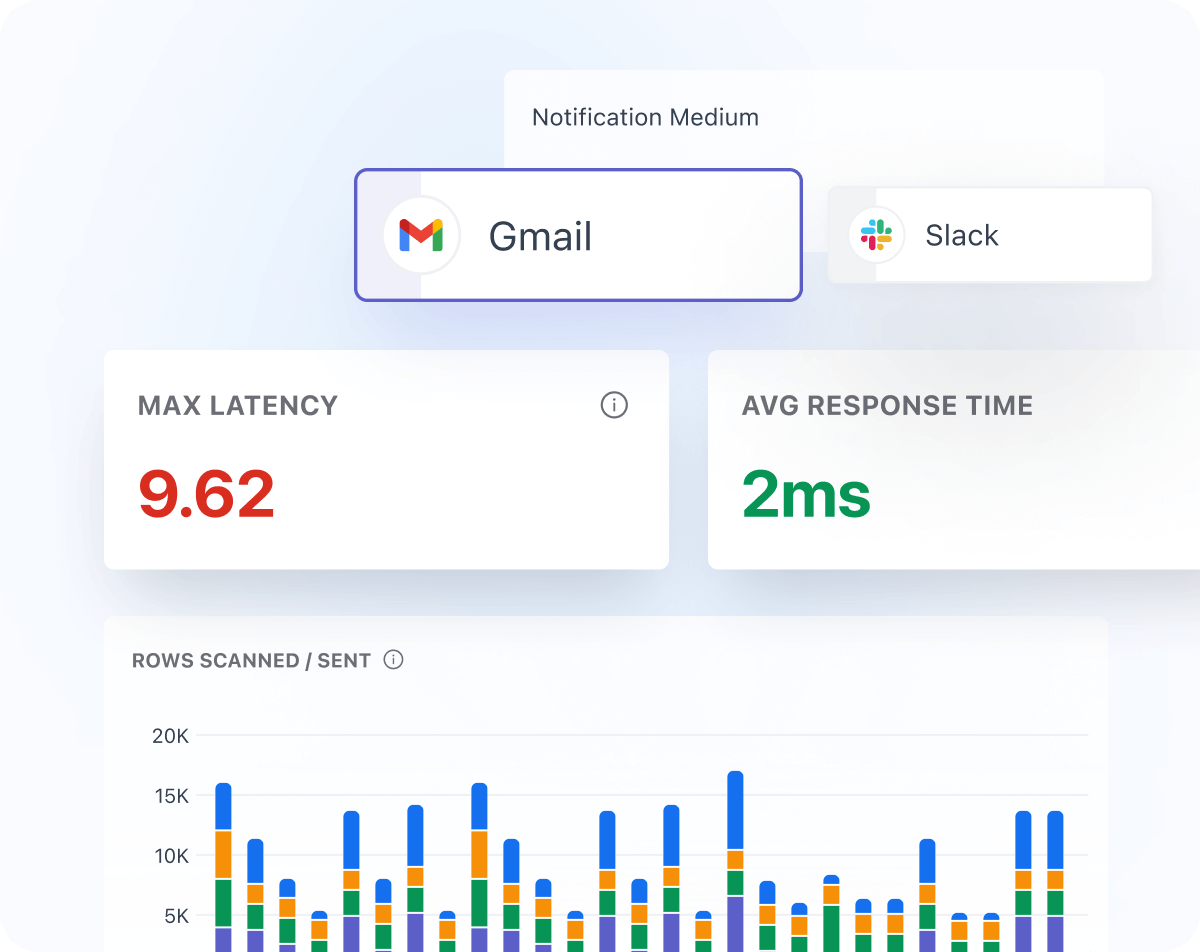
  • Reduce MTTR with automated alerting across Slack and Microsoft channels.
  • Track long-term trends to improve queries and database performance.
  • Monitor min, max, and average response times plus throughput for every request.
Connect Back-End Traces To User Sessions

Connect Back-End Traces to User Sessions

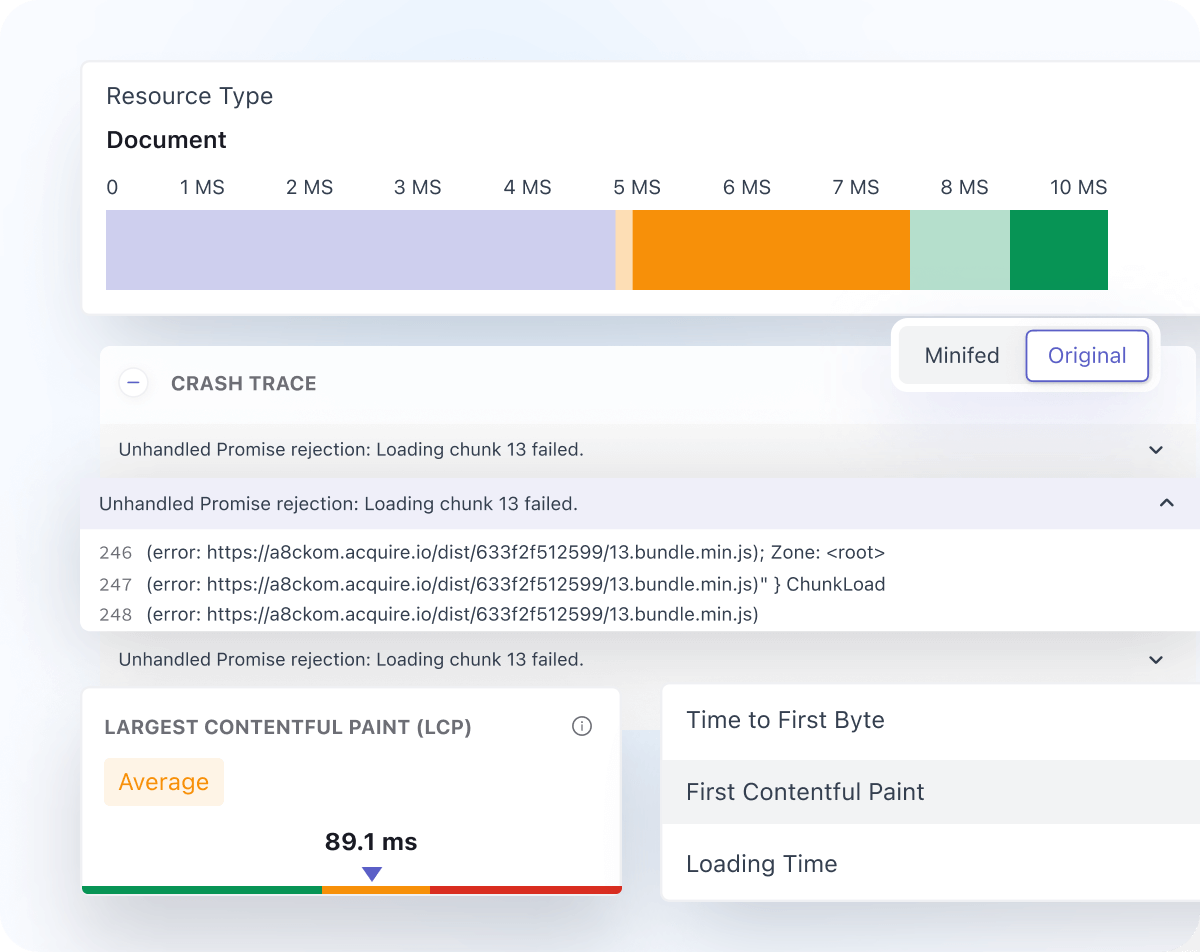
  • Automatic trace propagation unifies front-end and back-end telemetry.
  • Troubleshoot performance issues from a single correlated view.
  • Map user actions directly to the backend requests they trigger.
Root Cause Analysis

Root Cause Analysis

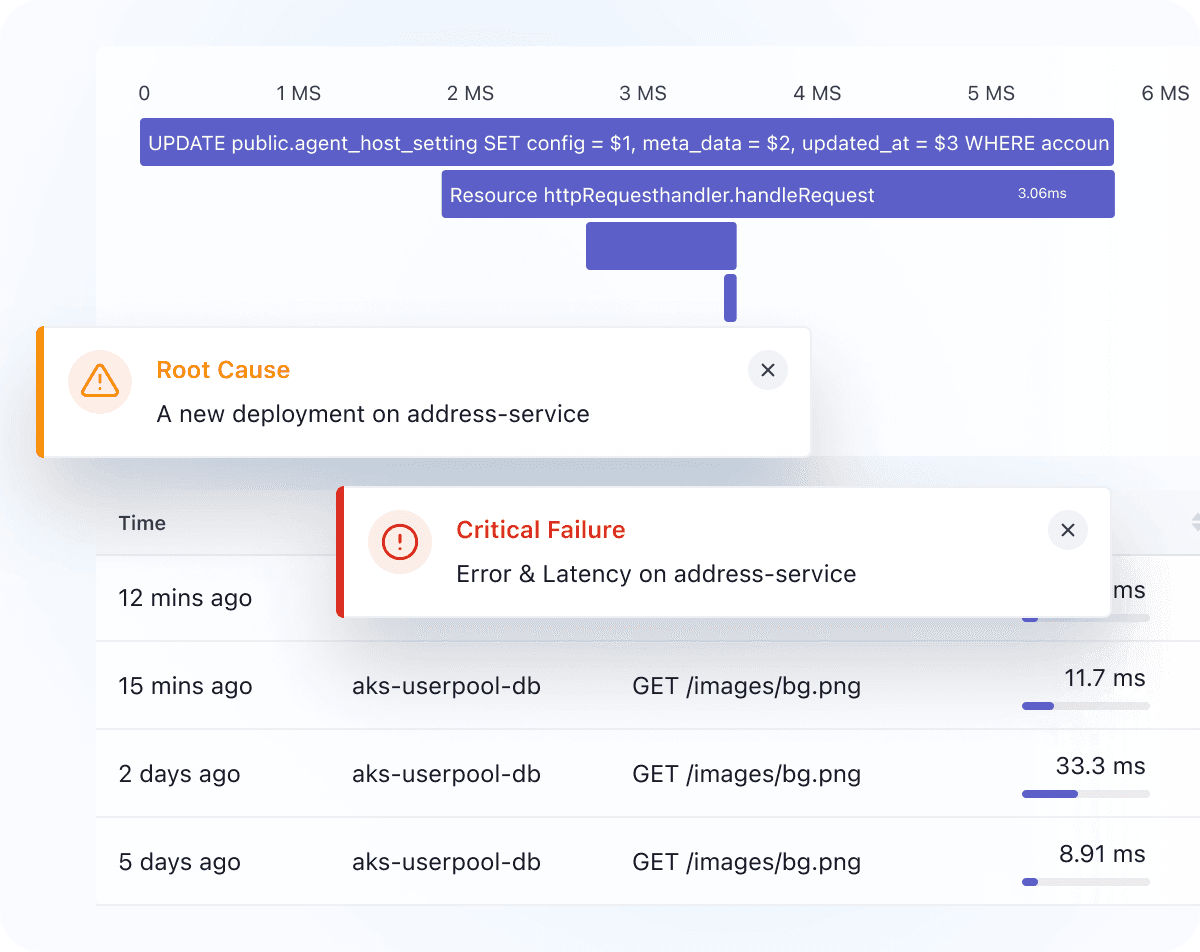
  • Correlate session replays with errors for complete visibility.
  • Accelerate RCA with detailed error context on every replay.
  • Capture full error stacks and tie them back to the exact user journey.
Session Inpector: one screen for the whole session

Session Inpector: one screen for the whole session

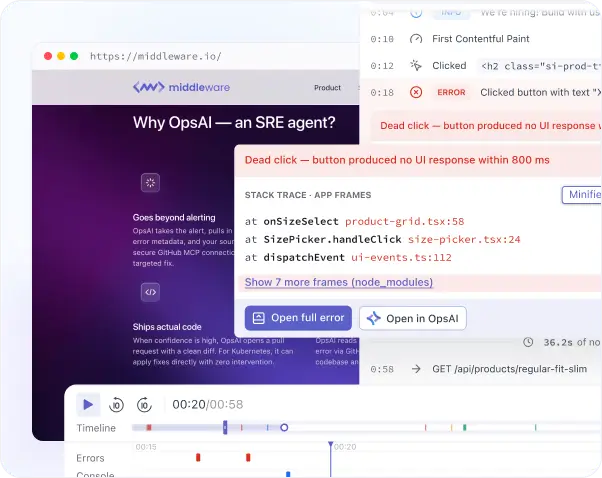
  • Jump straight to any error, network failure, or user action from a synced five-lane timeline, no scrubbing through the whole recording.
  • See every screen change, error, click, and network event in one activity panel instead of switching between tools.
  • Turn a recorded session straight into a ready-to-run Playwright, Cypress, Puppeteer, or Selenium test.

Try it for free and watch how it caters to all your needs Sign Up Now

Take An Interactive Tour For Platform Understanding

Check out this step-by-step, interactive demo of Middleware's RUM Session Replays.

Achieve complete infrastructure visibility in minutes with effortless, single-script deployment, giving your team confidence in quick setup and encouraging adoption.

Still Struggling? We're Just a Message Away!

Contact us

FAQs

Everything you want to know about Session Replays

What are Session Replays in Middleware RUM?

Session Replays record what a real user did in your web or mobile app, then let you play it back like a video, so you can see exactly what happened instead of reconstructing it from a description.

What is a Session Inspector, and how does it help me find bugs faster?

Session Inspector is the full-page view for watching a single session replay. It syncs the recording with a five-lane timeline and filterable tabs for errors, console, network, and actions, all on one shared clock, so you can jump straight to the error, failed request, or click that caused the problem instead of scrubbing through the whole recording.

How long can a session replay be, and when does a new session start?

A session runs up to 4 hours of continuous activity. It also ends after 15 minutes of inactivity; each interaction resets that 15-minute clock, so an active user can stay in one session the whole time. Once a session closes, either from going idle or hitting the 4-hour cap, the next interaction starts a new one.

Can I connect a session replay to the backend trace behind an error?

Yes. When backend tracing is set up, expanding an event in a session shows the backend services involved, and you can open the full trace to see the same waterfall and flame graph view used in Middleware APM.

Can I turn a session replay into an automated test?

Yes. Test Helper generates a runnable Playwright, Cypress, Puppeteer, or Selenium test directly from a session's recorded events, provided the session has a replay.

Is sensitive user data masked in session replays?

Password fields are masked automatically before anything leaves the browser. Other sensitive data, like personal details or custom fields specific to your app, needs a masking rule you set up yourself.

Optimize More. Worry Less. With Middleware.